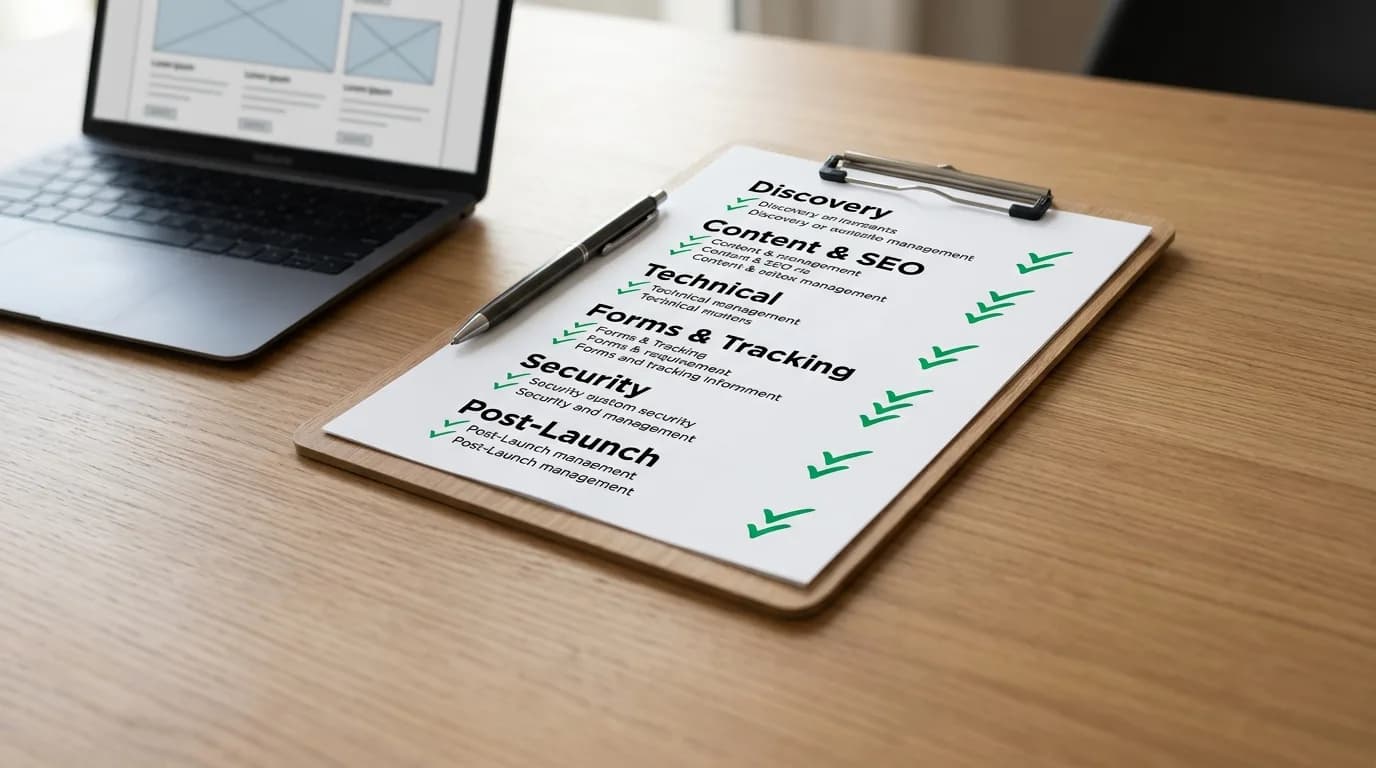
A real website redesign checklist covers six phases: discovery, information architecture, design, development, content and QA, then launch and post-launch. Most checklists online only cover pre-launch. The most expensive mistakes happen in the two phases people skip: what to test before launch, and what to do if something breaks after it.
The Six-Phase Website Redesign Checklist
We use the same six phases here as our website redesign timeline breakdown, because a checklist that does not match the actual build order gets skipped in the wrong order too.
- Discovery. Goals, scope, and sitemap agreed in writing before design starts.
- Information architecture. Navigation and page structure mapped, including every URL that will change.
- Design. Every template approved, not just the homepage.
- Development. The site built and content-managed, not hardcoded.
- Content and QA. Real copy in place, every form and link tested.
- Launch and post-launch. The site goes live, then gets watched.
Content and SEO Checklist
Content and SEO items cause the most post-launch ranking drops. They are also the easiest items on this checklist to check, since none of them need a developer, only someone willing to click through every page one at a time:
- Every old URL mapped to its new one, with a 301 redirect set up for each.
- Title tags and meta descriptions checked page by page, not just on the homepage.
- Heading structure reviewed so each page still has one clear H1.
- Image alt text carried over or rewritten, not left blank.
- XML sitemap regenerated and resubmitted after launch.
We cover why the redirect step specifically matters, and what happens when it is skipped, in website redesign without losing your rankings.
Technical and Performance Checklist
Run every key page through PageSpeed before launch, not after. Google's own guidance puts a good Largest Contentful Paint under 2.5 seconds. Test the mobile experience on an actual phone, not just a resized browser window. Check both major browsers, not just the one the design team happens to use.
Forms and Tracking Checklist
Submit every form yourself before launch. Confirm the email actually arrives. A form that says "Thank you" on screen is not proof the message went anywhere. Confirm Google Analytics and Search Console are firing on the new site. A redesign that swaps platforms often loses tracking code in the process, and nobody notices for weeks because the site still looks like it is working.
Accessibility and Security Checklist
These two get skipped most often, and neither one is optional. Check that the whole site works on keyboard navigation alone, not just with a mouse. Check color contrast on buttons and links against WCAG 2.1's real contrast ratios, not just body text. Worth checking deliberately, since WebAIM's own annual scan of a million home pages found low-contrast text on 83.9% of them, meaning a template carried into a redesign without a check almost certainly carries the same failure forward. Confirm every form field has a real label a screen reader can read, not just placeholder text that disappears once someone starts typing. On security: confirm the SSL certificate carried over correctly to the new site. Also confirm no old admin logins or plugin backdoors survived the migration from the previous platform.
How Long to Stage and Test Before Launch
Plan for a staging review a few days to a few weeks before launch, depending on site size. Give a soft launch, or a short internal review period, at least two weeks before going fully live. That window gives time for final checks and stakeholder feedback. It also gives whoever is approving the site a real chance to click through it properly, instead of skimming the homepage once and signing off. Rushing this step is the most common reason small technical issues turn into launch-day emergencies.
What Happens If Something Breaks After Launch?
Most post-launch traffic drops are fixable without a rollback. Missing redirects, broken internal links, and thinned-out content account for most real cases. Fixing those specific causes is usually faster and lower-risk than restoring the old site. A rollback does not restore old rankings immediately either, since Google still has to recrawl the restored site on the same timeline as any other change. Reserve a full rollback for cases where the new platform has a fundamental limitation that cannot be patched, not for a normal post-launch dip.
Announcement Checklist: Telling People It Launched
Brief the whole team before any public announcement goes out. Everyone should know what changed, why it changed, and how to talk about it if a customer asks, before that customer sees it live. Consider a soft launch first: a handful of key customers and staff see it on launch day itself, with the wider announcement held until any early bugs surface and get fixed. The usual pattern from there is three emails: one before launch to build interest, one on launch day itself, and one after to keep attention on it. Test email deliverability before sending any of them. A launch announcement that lands in spam is a checklist item too, not a marketing afterthought.
A Real Redesign That Followed This Checklist
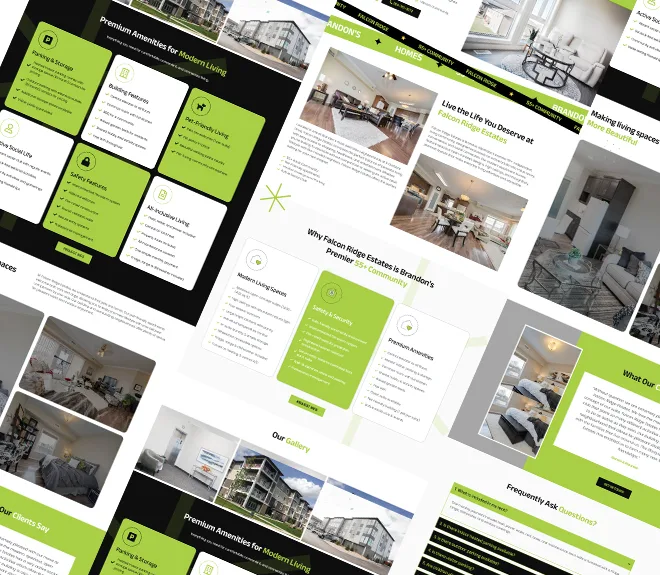
Falcon Ridge, a 55+ independent living community with three property locations, moved from a slow, generic template to a custom WordPress build without losing ground in search. Every page got a mapped redirect and rebuilt metadata before launch, not after. Traffic grew 285% once the new site was live, which only happens when the checklist items above actually get done, not just written down.
Post-Launch Checklist
Post-launch is its own phase, not an afterthought. Every one of our packages includes a support window built in: Starter gets 15-day post-launch support, Professional gets 60-day post-launch support, and Enterprise gets 90-day priority support. That window exists specifically to catch what pre-launch testing missed once real visitors start using the site.

The full phase-by-phase timeline this checklist is built on, and the real cost behind each phase, are covered separately. If you have not written the plan this checklist executes yet, start with the website redesign project plan that actually works.