
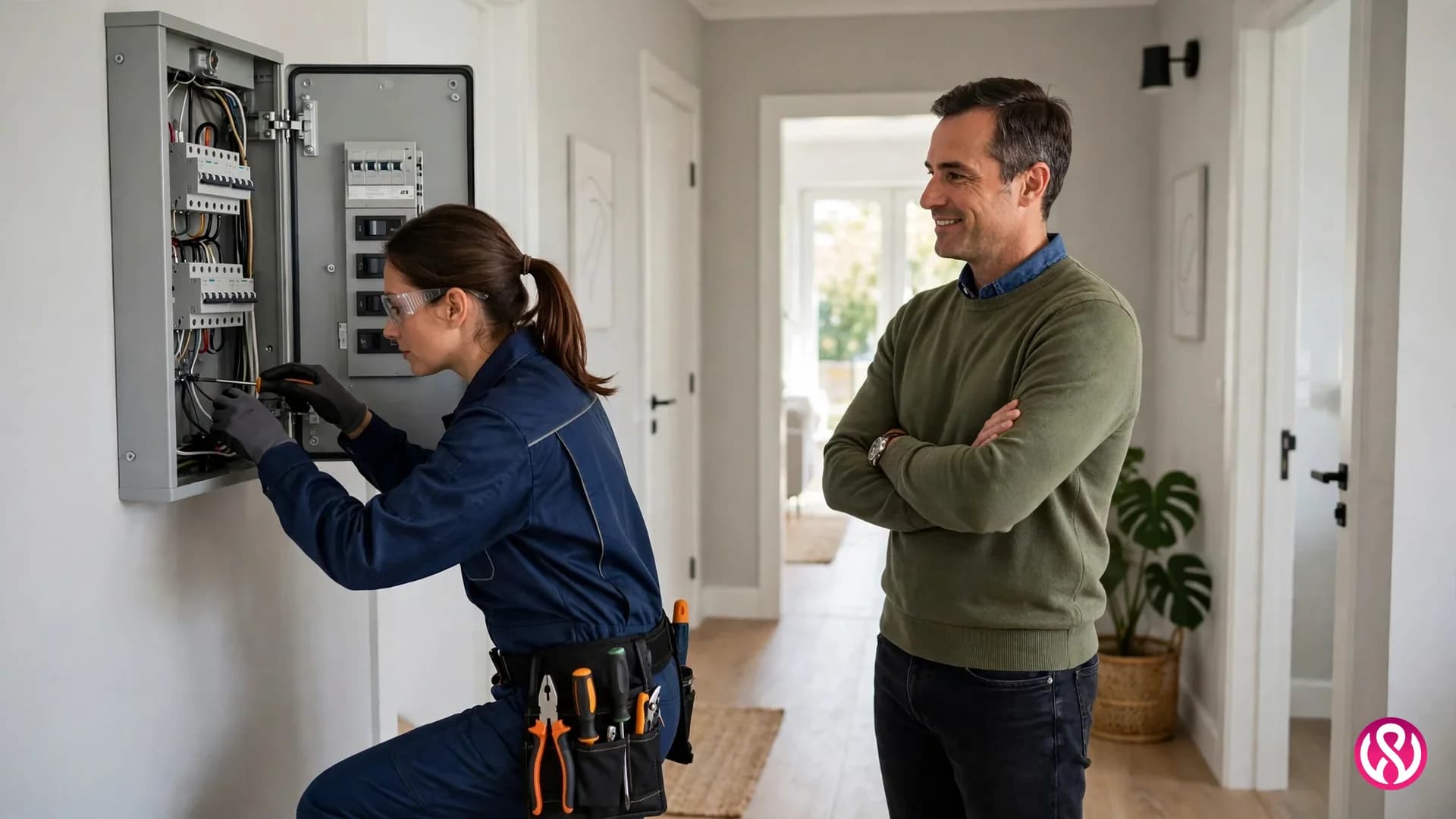
Electrician website design services have one job: turn a person with an electrical problem into a booked job, fast. That person is often standing in a dark hallway, or in a kitchen with a breaker that keeps tripping, or in an office where the power went out on one floor. They are not browsing. They are choosing, and they will choose the electrician whose website answers three questions in under a minute: are you licensed and insured, do you cover my area, and can I reach you right now. Everything else on the site exists to support that minute, or it gets in the way of it.
We have designed and built websites for businesses since 2015, and we will be plain about one fact: we have no electrician client yet, so this guide does not dress up an electrical case study we do not have. The nearest measured trade work we can show is Hunter Premium Skylights, a Newcastle trades installer whose organic traffic rose 80% and whose enquiries rose 55% after its rebuild, and M8owes Construction, a Perth builder whose organic traffic rose 200% after a redesign. An electrical contractor is a different trade with the same buying problem: a stranger has to trust you enough to let you into their home or their building. Our home services website design guide covers the wider trade picture, and our electrician website design page is the commercial companion to this guide. This guide stays on what an electrical contractor should look for, what it costs, and how to tell a good provider from a rented template.

What an Electrician Website Has to Do
Most electrician websites fail in the same quiet way. They describe the company at length and bury the path to a call. The visitor learns that the team is experienced, reliable and committed to quality, and still cannot tell whether the firm is licensed in their state, whether it covers their town, whether it handles emergencies at night, or how to request a quote. That visitor leaves, and the contractor never knows it lost them, because a bounce leaves no message.
Homeowners check five things before they call, and a good electrical contractor website answers all five on the first screen or one tap away. First, license and insurance, shown with the license number where the state publishes one, not hidden on a contact page. Second, service area, named town by town, because an electrician who covers the whole state on paper and nobody in practice wins no local search. Third, a phone number that dials with one tap on a phone, and a quote request form that asks for the job, the address and a photo, not a life story. Fourth, real reviews near the call button, not on a separate testimonials page nobody opens. Fifth, proof of real work: photos of panels, EV charger installs and finished rooms, taken on real jobs, not stock photos of smiling strangers in hard hats. An electrician website design that misses two of those five is not a design problem. It is a lost job problem.
Speed is part of that job, not a technical extra. A page that takes five seconds to load on a phone loses the visitor who searched with the power out. Google's page-speed and stability scores, called Core Web Vitals, also shape where the page ranks. A fast site is not a luxury for an electrical contractor. It is the difference between a booked job and a closed tab. That booking-first test is what separates good electrician website design from a pretty brochure, and it applies just as directly to electrical contractor website design, where the buyer is often a facilities manager comparing two firms for a commercial contract, not only a homeowner in a hurry.
The Emergency Page: Built for One Tap
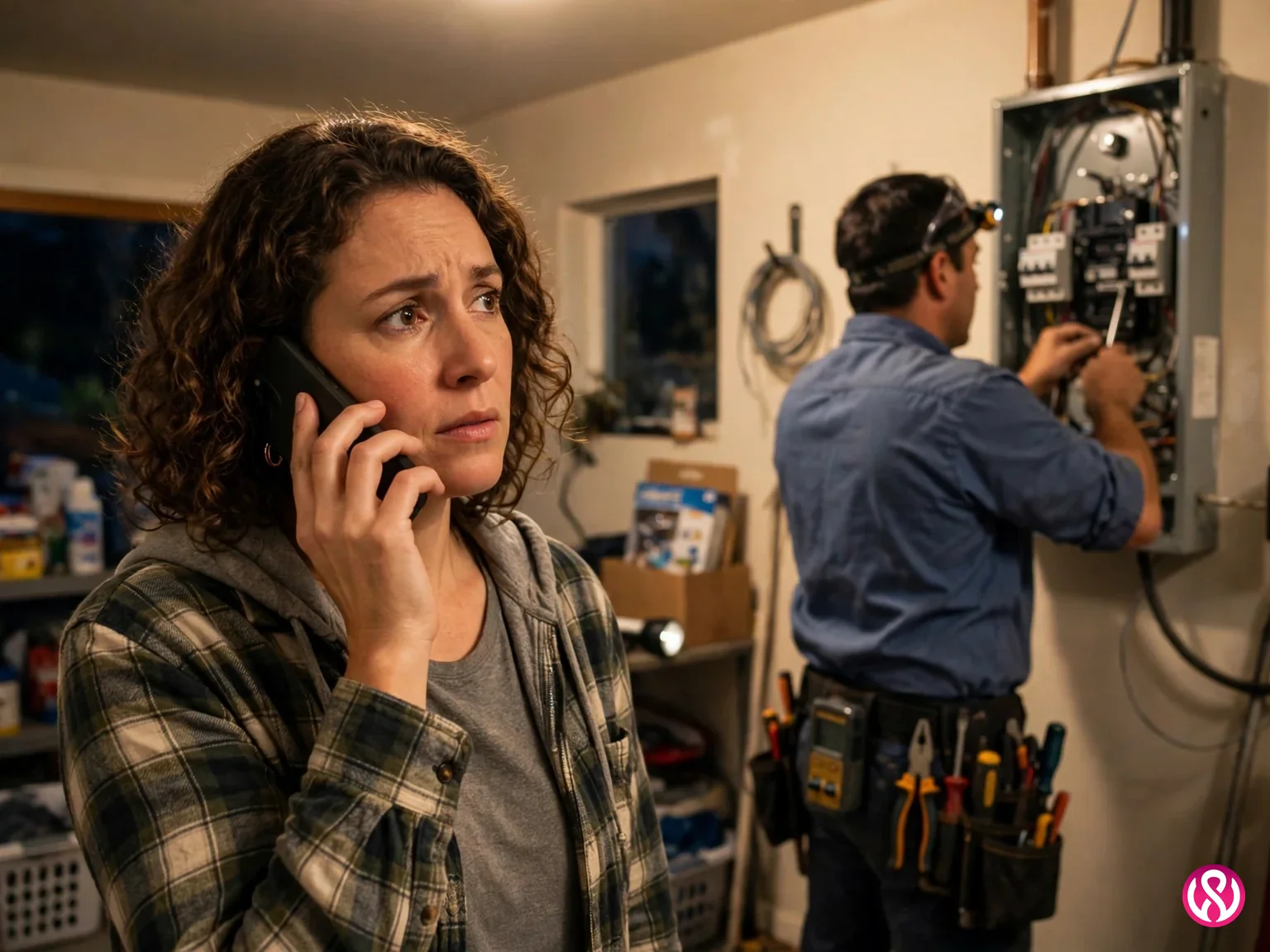
Emergency work is the fastest-moving part of this trade, and it needs its own page, not a line on the homepage. A person searching for an emergency electrician at night has one question: can you come now. The page that wins that search says, in this order, that emergency service is available, what hours it covers, which towns it covers, what the callout charge is, and what happens when you call. If the callout charge is not published, say what it depends on, and say it plainly. A visitor who has to call to learn the callout fee will call the firm that already published it.
The emergency page also needs to be honest about limits. If one electrician covers nights alone, say so, and say what the response time usually is. If the firm does not cover a town at night, do not let the page imply it does. A missed emergency call costs more than a lost job: it costs a review from a person who waited in the dark. The form on this page should be the shortest form on the site. Name, phone, town, and what happened. Every extra field is a reason to call the next firm instead.
The Pages Every Electrical Contractor Site Needs
One page per service is the structure that wins electrical searches, and it is also the structure that serves customers best. A person searching for a panel upgrade has a different question from a person searching for an EV charger install, and a person searching for rewiring has a different budget from both. One combined services page answers none of them properly. A dedicated page can explain what happens, how long it takes, what affects the price, whether a permit is needed, and how to request a quote for that job alone. That is also how the page earns its search ranking: Google ranks pages, not websites, and a page about one service beats a page about ten.
The same logic applies to towns. A page per town you actually serve, with the services offered there and a local phone number or contact route, beats a single page that lists forty towns in a footer. The town page should name real places: neighborhoods, nearby landmarks, and the kinds of homes or buildings common there, because that is how a homeowner checks whether you really work in their area. A site with twelve service pages and eight town pages has a structure search engines can read and customers can use. A site with one services page and one contact page has neither.
Start with the services that pay: panel upgrades, EV charger installs, rewiring, lighting design, surge protection, and commercial fit-outs. Add the rest as the business grows, and retire pages for work you no longer take. A page for a service you stopped offering is worse than no page, because it brings enquiries you will turn away, and every turned-away enquiry is a review waiting to happen.
License, Insurance and Reviews: Trust Before the Call
Nobody lets a stranger rewire their home on the strength of a nice homepage. The trust signals that matter for an electrician are specific, and they belong near the top of every page, not buried in a footer. License number and licensing state. Insurance, stated as insured rather than implied. Years in business, stated as a number. Reviews from Google, shown with the rating and the count, and linked so a visitor can check they are real. Photos of real work, with the job named: a 200 amp panel upgrade, a garage EV charger, a kitchen rewire. A visitor who can see the license, the insurance, the reviews and the work has already decided before they call. A visitor who cannot see any of them has already moved on.
Reviews deserve a system, not a hope. The firms that win local search ask for a review at the end of every job, while the customer is still pleased, and they make it easy: a short link, sent by text, that opens the review form directly. Some providers ship printed review cards for the job site, which is the same idea in paper form. The website side of that system is simple: show the reviews where the call button is, keep them current, and answer the bad ones honestly. A firm with forty reviews and two answered complaints looks more trustworthy than a firm with six perfect reviews and silence everywhere else.

Residential and Commercial: Two Buyers, Two Messages
A homeowner and a property manager are not the same buyer, and one page cannot serve both well. The homeowner wants to know whether you cover their town, whether you handle emergencies, and what a panel upgrade costs. The property manager wants to know whether you handle multi-unit buildings, whether you work to a contract, how fast you respond to a tenant outage, and whether you carry the insurance their building requires. A site that mixes both messages on every page confuses both readers. Split them: a residential section and a commercial section, each with its own services, its own proof, and its own contact route.
Commercial work also changes what the site must prove. Property managers, builders and facilities teams check capacity: how many electricians, what size of job, which certifications, and whether the firm has handled buildings like theirs. Case notes help here more than testimonials do: a short account of a commercial job, what was installed, how long it took, and what the client was able to do afterward. No invented numbers, and no client named without permission. One honest commercial case note beats a page of adjectives.
Panel Upgrades and EV Chargers: The High-Value Pages
Two services deserve their own pages first, because they carry the highest value per job and the clearest search intent. A panel upgrade page should explain when an upgrade is needed, what the common sizes mean in plain words, whether a permit and an inspection are part of the job, and what affects the price: the size of the panel, the condition of the existing wiring, and whether the meter or service line also needs work. A visitor who understands why their panel needs replacing is far closer to booking than one who was only told to call for a free estimate.
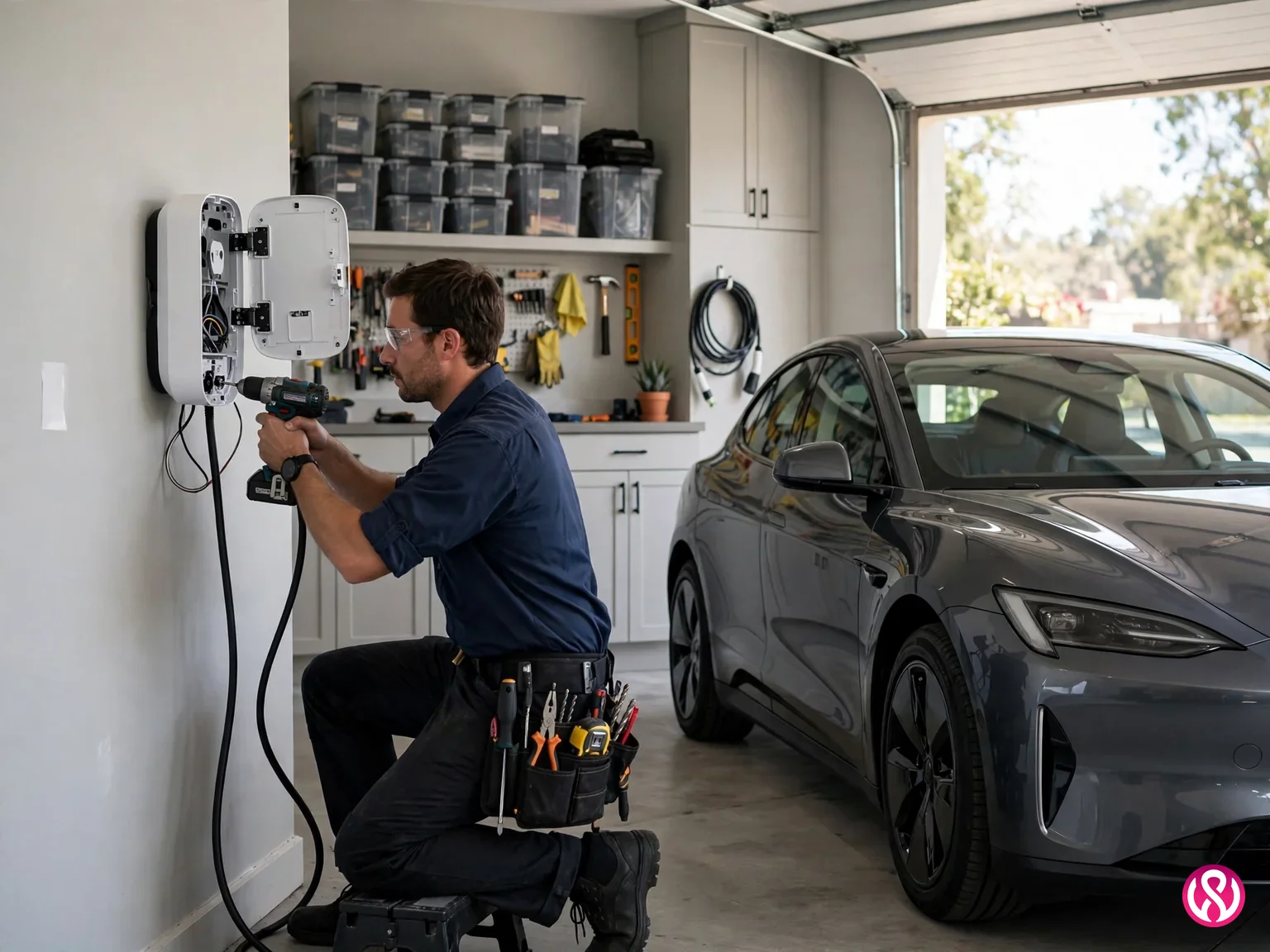
An EV charger page should answer the questions every new electric car owner asks: which charger suits their car, what the difference is between charger levels in plain words, whether their panel can support it, what the installation usually involves, and whether any rebate or utility program applies in their area. Rebates change by state and utility, so the page should name the program it refers to and link to the utility, rather than promising a rebate that may not exist for that reader. These two pages, done well, bring the jobs that pay for the whole website.
What Electrician Website Design Costs
Published US prices for electrician websites fall into distinct bands, and the band matters more than any single quote. A freelancer build runs $500 to $2,000 in Zarla's US figures, and a small agency build runs $3,000 to $10,000. Aesthetic puts traditional agency builds at $4,000 to $12,000 upfront, with managed care plans at $200 to $500 a month. Managed monthly plans from trade specialists run $195 to $200 a month in Zarla's trade table, $49 a month after a $199 setup at Cannone Marketing, $150 a month at LOGOS Technologies, and from $299 a month with no upfront cost at Electrician-Websites.com. Website and marketing packages, which bundle ads and ongoing campaigns with the site, run $659 to $3,659 a month plus a $995 startup fee in the same table, and custom builds at a large agency start at $8,000. Those are the published ranges, from the firms that publish them. Firms that publish nothing can charge anything, which is itself a signal.
The honest way to compare those bands is total cost over three years, not the first invoice. A $299 a month rented site costs $10,764 over three years, and the site usually goes away if you stop paying. A $2,000 freelancer build with $50 a month hosting costs $3,800 over the same period, but changes and fixes are billed on top, and the site ages if nobody maintains it. A fixed-price build you own, with an optional care plan, sits between those two on total cost and ahead of both on control: the domain, the code, the content and the accounts are yours, so leaving a provider means moving the site, not rebuilding it. Ask every provider the same question before you sign: if I leave in two years, what do I keep. The answer tells you more than the price does.
Our own ladder is published on our pricing page: $799 for a starter site, $1,499 for the professional build most contractors choose, and $2,499 and up for enterprise scope, with care plans at $99, $199 and $399 a month. Delivery runs 2 to 8 weeks, with a 50% deposit and the balance on launch. Those are fixed quotes in writing before work starts, not estimates that move once the work begins. If an electrician site already exists and the problem is speed or structure rather than a full rebuild, our website redesign service is often the cheaper answer.

Local Search: Google Business Profile and Service Areas
For an electrician, local search is the website. Most customers find the firm through a map result or a local search, then click through to the site to check it before calling. That means the Google Business Profile and the website must tell the same story: the same services, the same towns, the same phone number, the same hours. A profile that lists services the website never mentions gives search engines two different answers about what the firm does, and a website that lists towns the profile does not cover raises the same doubt for the customer. Keep both current, and update both when the service area changes.
The profile side is unglamorous work that pays: correct service categories, photos of real jobs, a complete service area, and a steady flow of recent reviews. The website side is structure: a page per service, a page per town, correct titles and headings, fast loading, and the Electrician schema type that names the service area. That is the technical half of local search, and it is the half most electrician websites leave out. A site that loads fast, names its towns, and carries the right schema gives Google something to rank. A site that does none of those things asks Google to guess, and Google usually guesses in favor of the firm that did the work.
Templates, Builders and Rented Sites Compared
A do-it-yourself builder costs $15 to $30 a month for the site alone in Zarla's US figures, and a template gets a business online in an evening. For a new electrician with no work yet, that can be the right first step. The cost shows up later: bloated code that loads slowly on phones, a layout shared with every other contractor in town, and local search pages that never rank because the structure was never built for them. A template can buy time, but plan the custom build as the next step rather than treating the template as the finished site, especially once emergency calls and commercial enquiries start arriving.
Rented monthly sites are a different deal, and the question to ask is always ownership. A $49 or $150 or $299 a month plan that includes hosting, updates and support can be good value while the firm is growing, as long as the contract says what happens on exit. If leaving means losing the site, the content and the search position built on it, the monthly fee is rent, not an investment, and three years of rent costs more than most fixed builds. A site you own, built on WordPress or another open platform your own staff can update, keeps its value when providers change. That is the difference that matters, and it is worth more than any single feature on a sales page.
How to Judge an Electrician Website Design Service
Judge a provider the way a customer judges an electrician: by proof, not promises. Ask for the fixed price in writing, the delivery time, and what you own at the end. Ask whether the site is built for one service per page and one town per page, or whether it is a five-page template with your name on it. Ask how emergency calls are handled on the site, how reviews are collected, and whether the Google Business Profile is part of the work or an extra. Ask for the load time target in seconds, not adjectives. And ask what happens when you leave. A provider that answers all of those plainly is worth talking to. A provider that answers with a demo and a discount deadline is selling, not building.
The work itself follows a simple order. First, the services and towns are listed, and the pages are planned around them. Then the trust signals go in: license, insurance, reviews and real job photos. Then the quote and emergency paths are tested on a phone, because that is where the customer is. Then the site launches with its local search structure in place, and the firm starts asking every customer for a review. That is the whole system. It is not glamorous, and it is exactly what most electrician websites are missing. If you want that system built for your firm, our free quote starts with a fixed price, and our small business website design and management guide covers what happens after launch. The best time to fix an electrician website was before the last emergency call went to a competitor. The second best time is now.